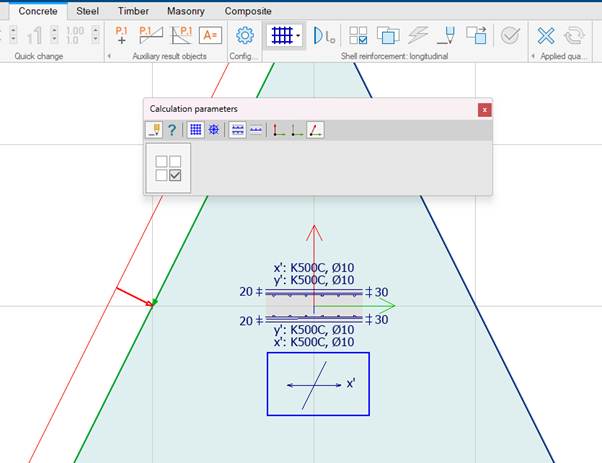
Surface reinforcement in FEM-Design has its own local coordinate system (LCS). This system is independent of the local coordinate axes of the plate or wall. By default, the reinforcement follows the shell orientation, but it can be defined independently if needed.
To show (or hide) the local coordinate systems, use the following checkbox:
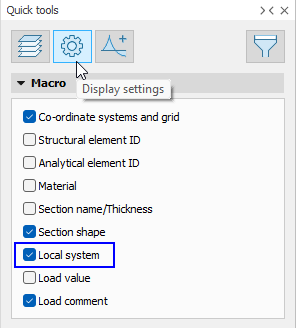
Quick tools → Display settings → Macro → Local system
Similarly, the following checkbox can be used for shells specifically:
Quick tools → Display settings → Detailed settings → Shells → Graphical options → Display local system
Different local coordinate systems
FEM-Design uses different local coordinate systems for shells and reinforcement.
Shell local system (slab/wall)
- Used for analysis results, such as Shell internal forces.
Reinforcement's local system (surface reinforcement)
- Defines the main and secondary reinforcement directions.
- Can be set independently of the shell's local system.
- Can be set separately for each reinforcement layer.
- Used for design results such as Design forces.
Other local systems
- Can also include connections, such as Edge connections.
Defining reinforcement direction
In Concrete → Surface reinforcement → Calculation parameters, you can choose how the local system of the reinforcement should be defined.
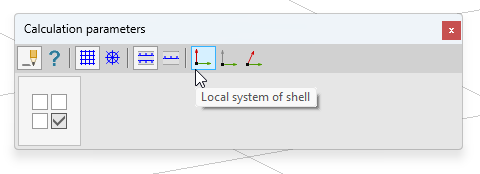
Local system of shell
The reinforcement follows the local axes of the shell.
Suitable for regular slabs where analysis and reinforcement directions coincide.
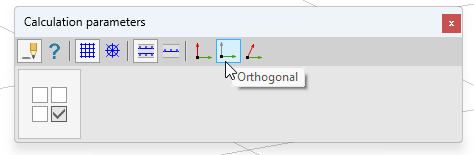
Orthogonal
Define a main direction. The secondary direction is automatically created perpendicular to it. Suitable for ordinary mesh reinforcement.
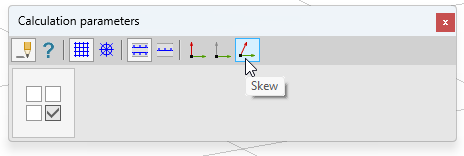
Skew
Both the main and secondary directions can be defined freely.
Used for loose reinforcement when x' and y' should not be perpendicular to each other.
This example shows where the directions of the reinforcement layers are illustrated while the Calculation parameters dialog is open.